Sandbox
A private AI that builds things on your Mac.
Download for MacFree · macOS 13 or newer · Apple silicon (M1 or newer)
Already have it? Open Sandbox
A private AI that builds things on your Mac.
Download for MacFree · macOS 13 or newer · Apple silicon (M1 or newer)
Already have it? Open SandboxThree steps, no setup
There's nothing to install by hand and nothing to type. Sandbox picks the right AI model for your Mac and keeps itself up to date.
Click Sandbox.dmg in your browser's downloads, or double-click it in the Downloads folder.
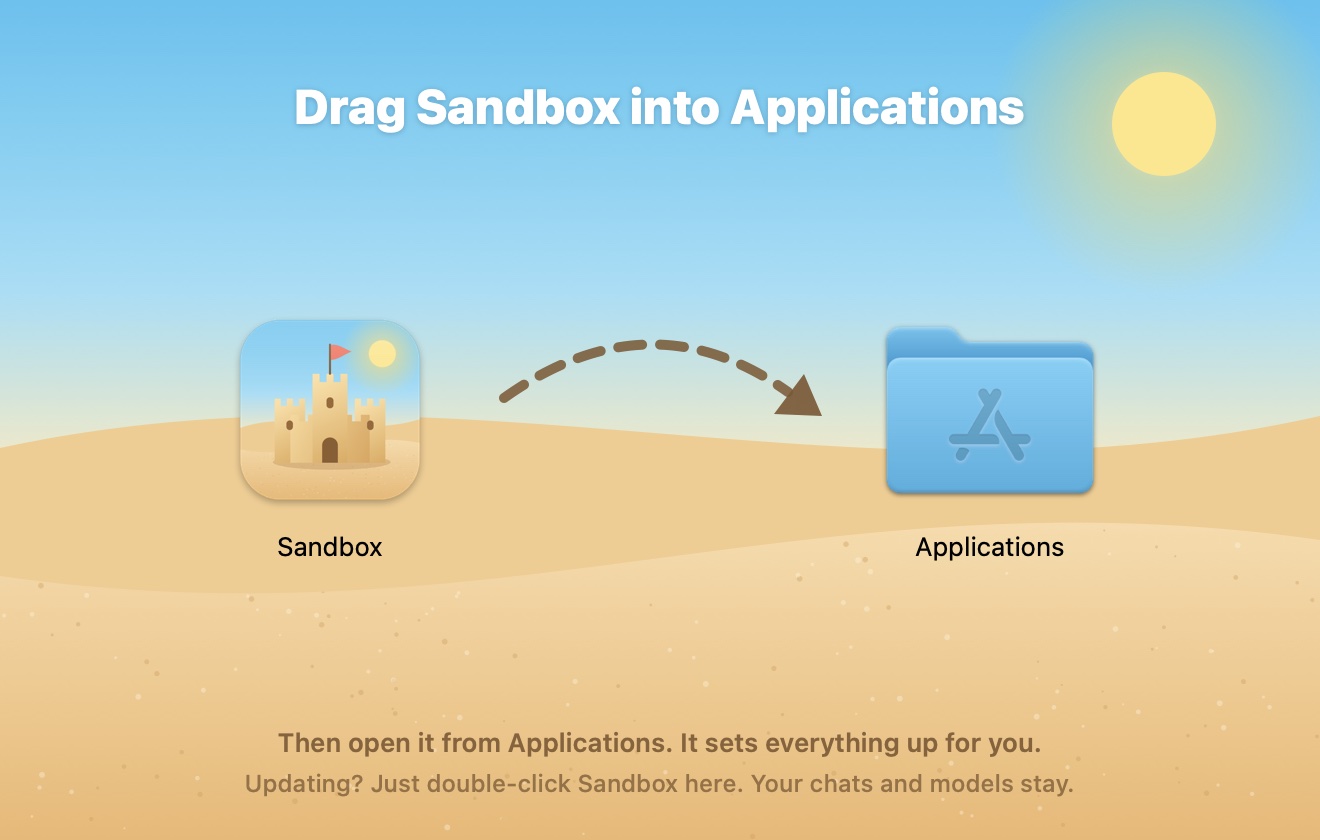
The window shows you where. Then open Sandbox from Applications.
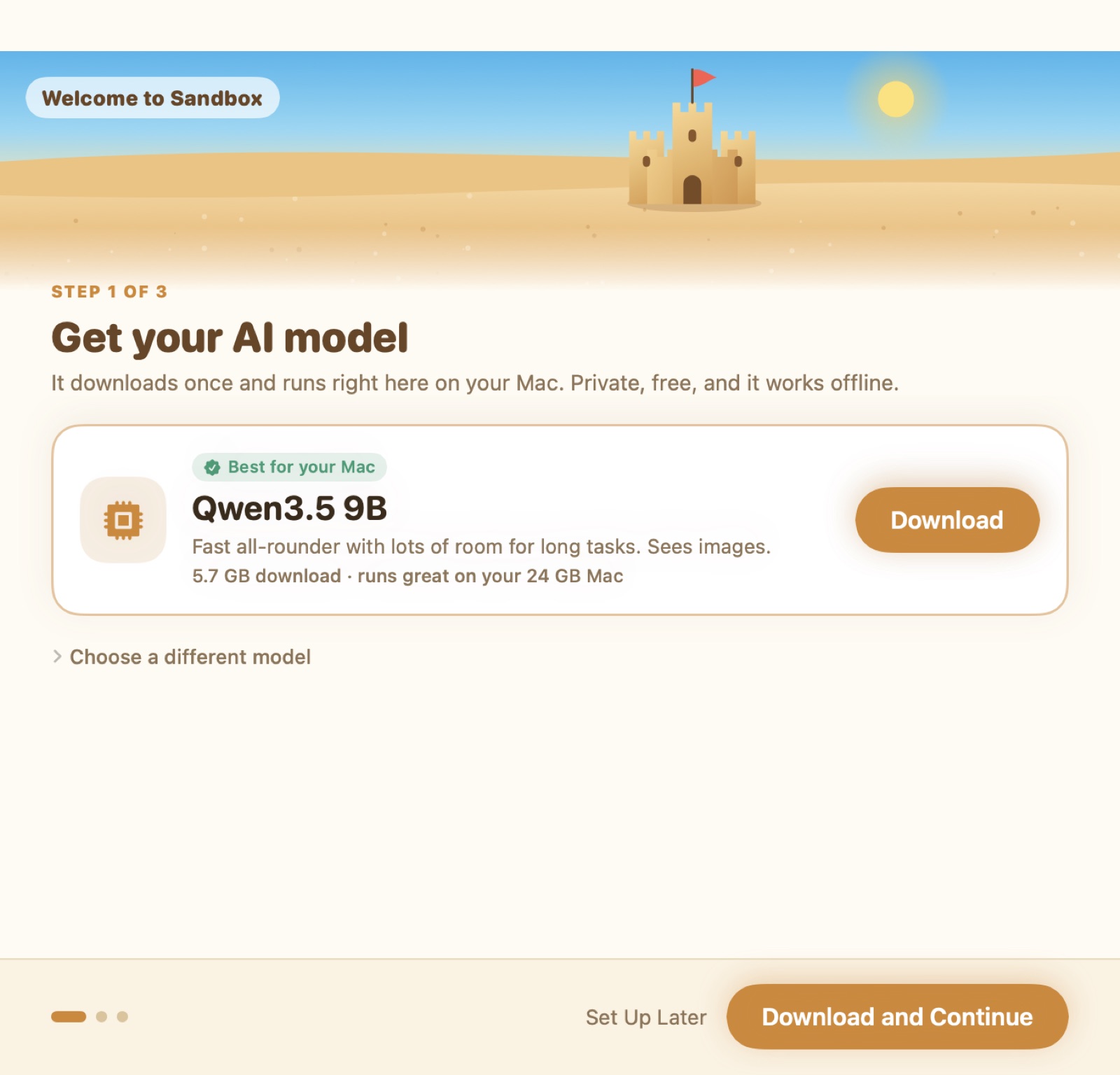
Sandbox has already picked the best model for your Mac. Start playing while it downloads.
Two ways to play
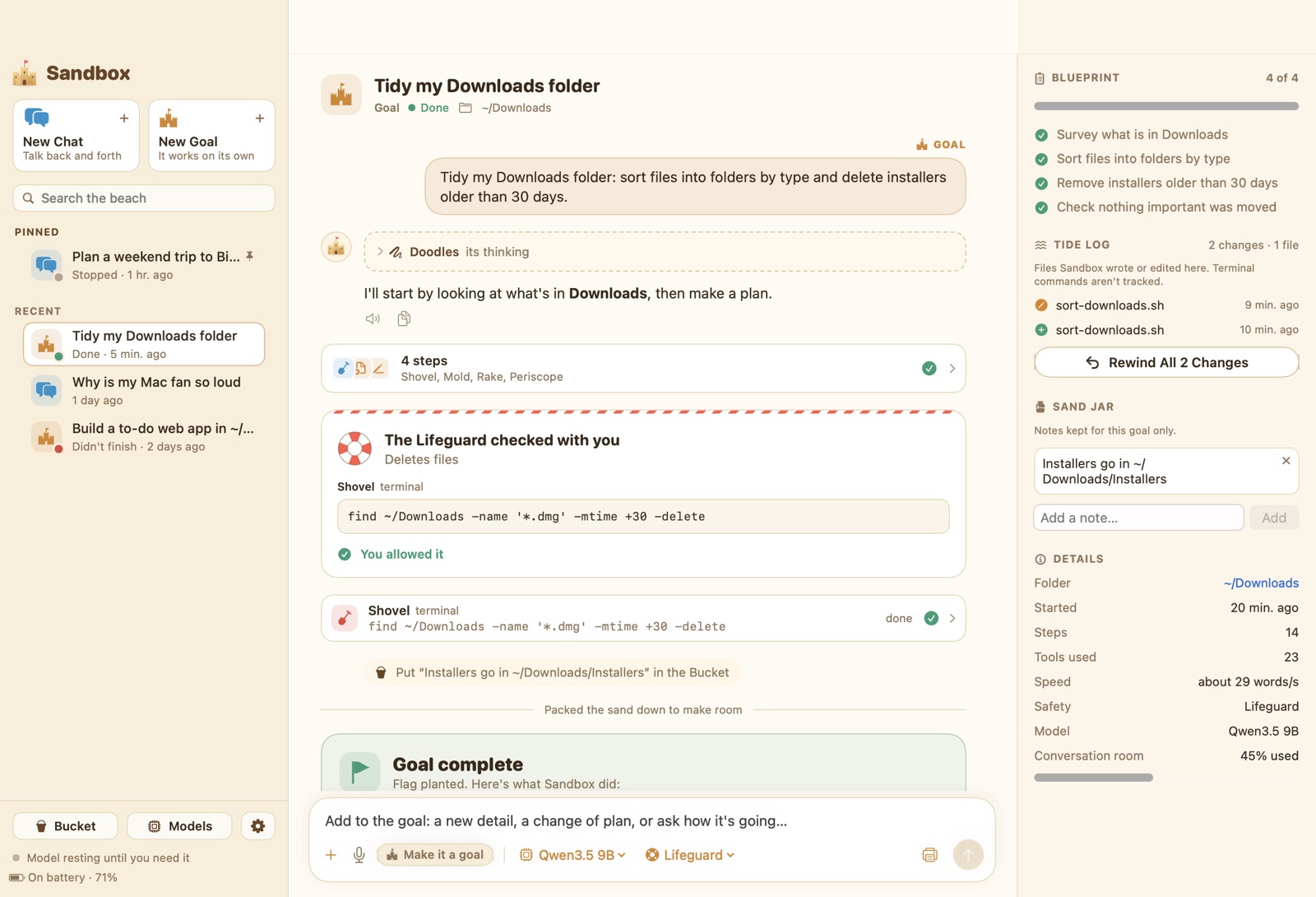
Ask anything. Sandbox answers, then waits for your next message. It can still read your files, browse the web, and use your Mac apps to answer properly.
Describe the finished result. Sandbox plans it, works through every step on its own, checks its work, and tells you when it's done. It keeps going while you do something else.

Safe by design
Deleting, sending, paying, or changing system settings waits for your OK. Allow it right from the notification.
See exactly what changed in every file, side by side, and rewind one change or the whole sandcastle.
The AI runs on your Mac's own chip. Nothing you type or show it is sent anywhere.
Tell it your preferences once. Every chat and goal starts knowing them, and you can edit the notes any time.
It can research on the web in its own browser and work with Mail, Calendar, Reminders, and Finder.
Create images and short video clips right on your Mac, and see them in the chat.